Move the Product
To Move a product to a different category, find the product in your store, either browse to the product in the admin via the “Catalog > Categories/Products” or search for the product (by name or reference number) using the search field in the admin.

Click the  next to the product.
From the next screen select the category you want to move the product to from the drop down list.
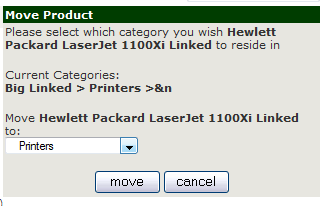
Then click the Move button.
Or click cancel to stop the move and return to the previous page